You have something worth saying.
A lesson you learned the hard way. A shift that changed the way you see everything. A piece of your story that could be the exact thing someone else needs to read right now.
That's what the blog is for.
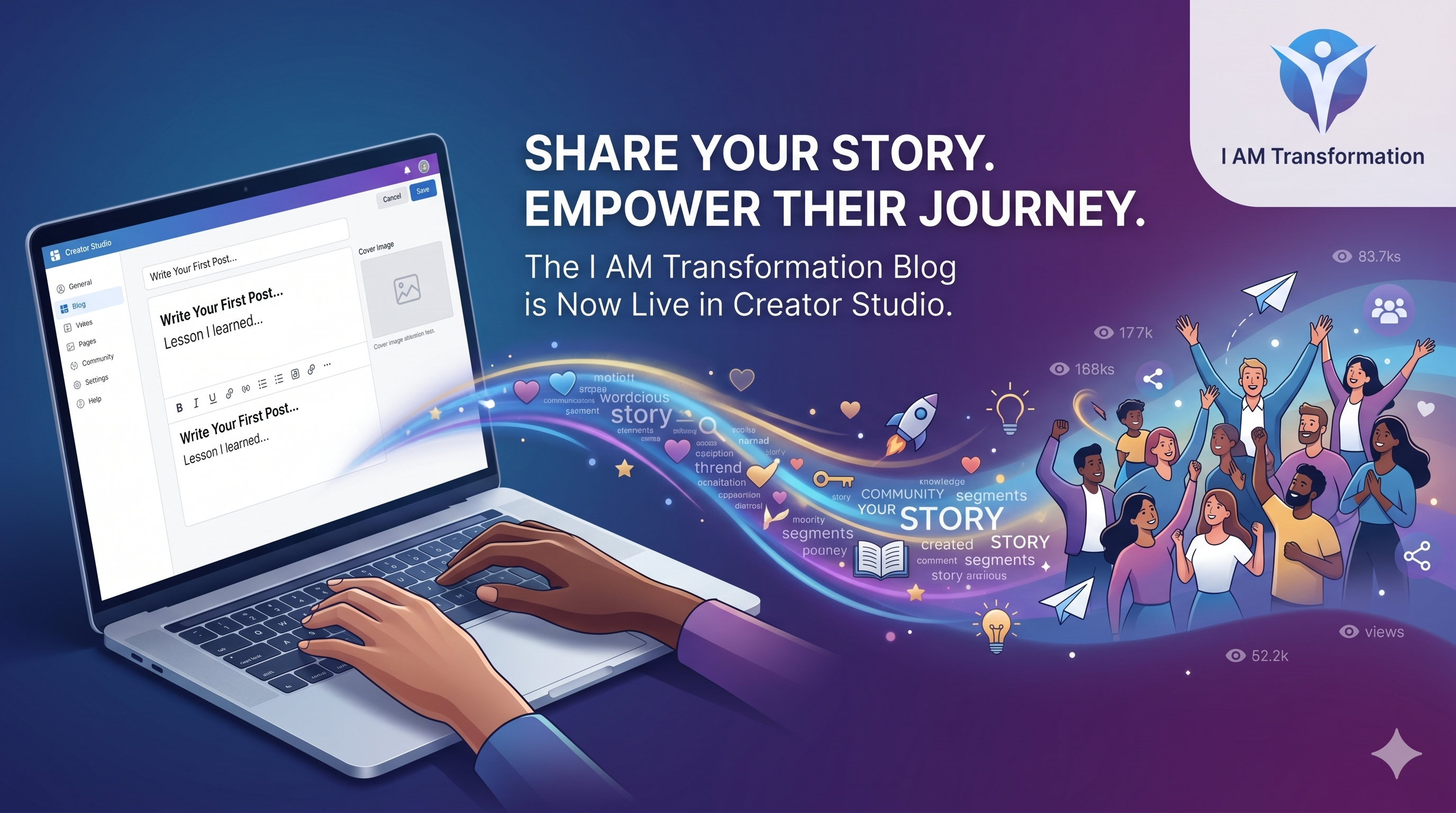
Your I AM Transformation blog is a full publishing platform built right into the community. No separate website. No tech setup. No designer required. Just you, your words, and an audience that's already here.
Here's how to use it.
Writing Your First Post
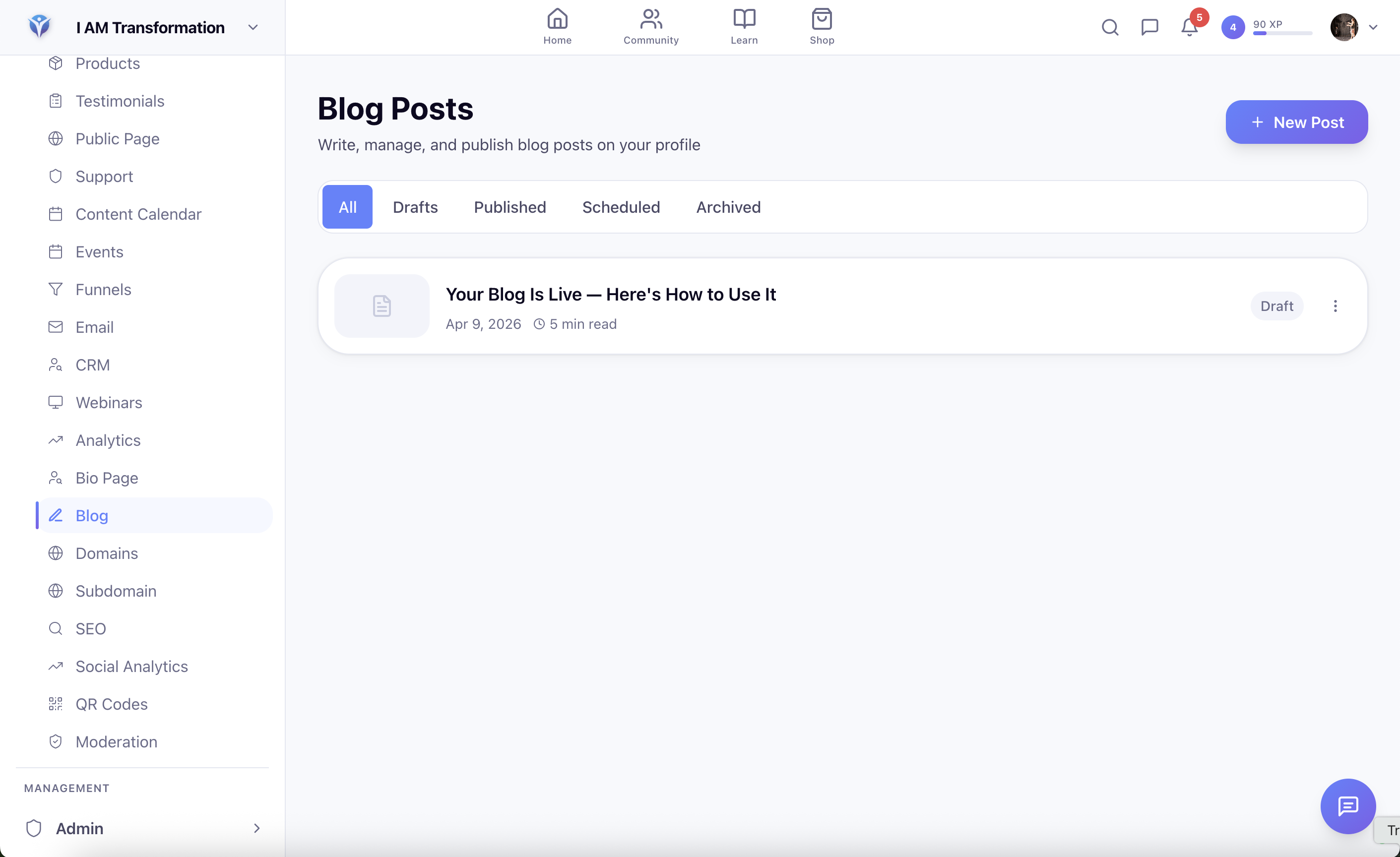
Go to Creator Studio → Blog in the sidebar. You'll land on your blog dashboard — drafts, published posts, scheduled content, all in one place.
Hit New Post and you're in.
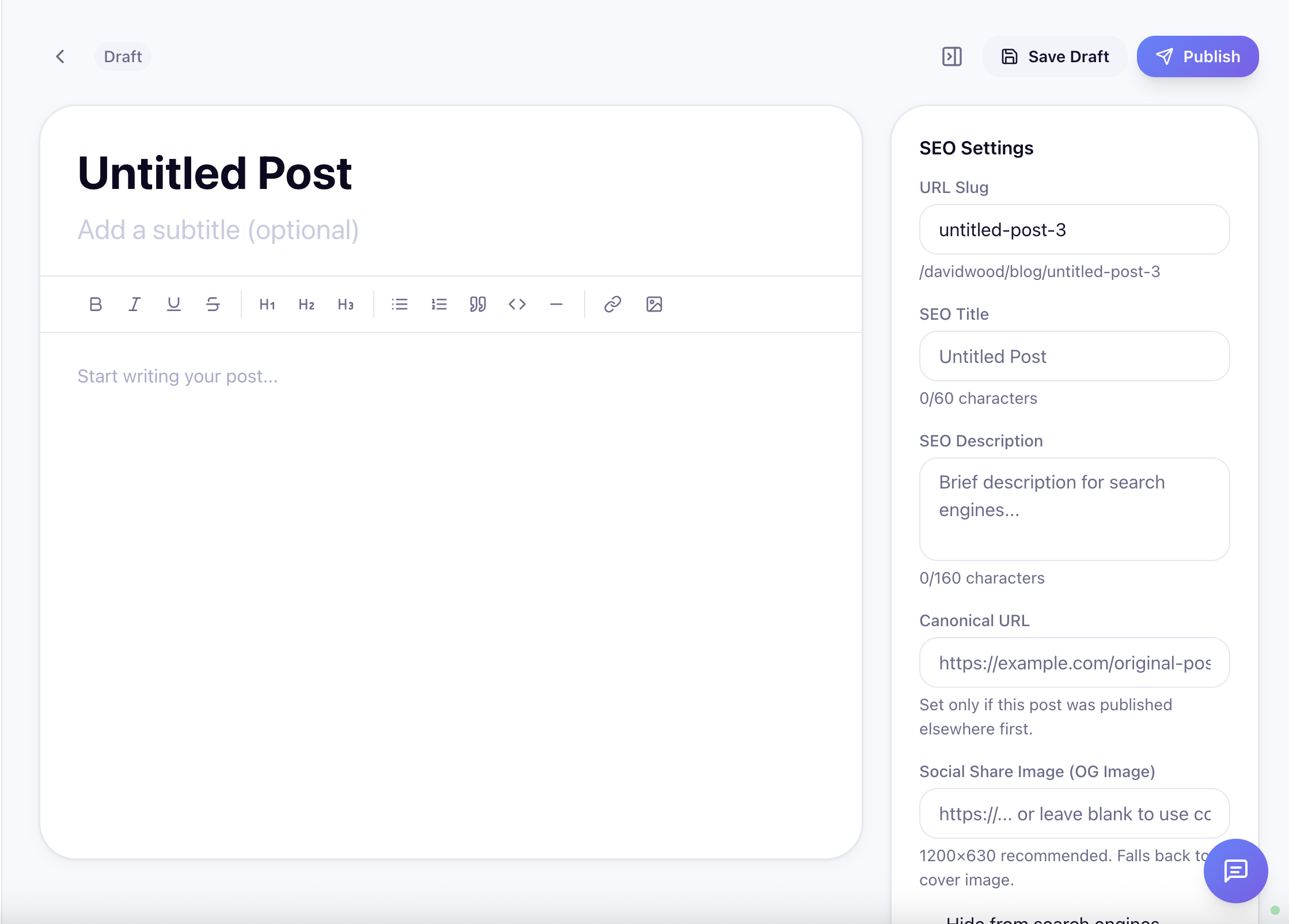
The editor is distraction-free. Just start writing. When you're ready to format, everything you need is there:
- Bold, italic, strikethrough, underline
- Three heading levels to structure your content
- Bullet lists and numbered lists
- Blockquotes for key takeaways
- Code blocks for technical content
- Horizontal rules for visual breaks
- Drag-and-drop image uploads directly into the post
There's no save button. Your post auto-saves every 30 seconds, and a local backup stays on your device if anything goes wrong. Write freely — the system has your back.
Setting Up Your Post Before You Publish
Two minutes of setup makes a real difference in how your post looks and how many people find it.
Cover Image
Upload a featured image and it appears at the top of your post and as the preview everywhere your post is shared — the community feed, your profile, social media. No image? The system auto-generates a gradient from your title. A real image always performs better.
Tags
Add up to 20 tags. Tags help people discover your content — readers can click any tag to find related posts on your blog. Think about what your ideal reader would actually search for.
SEO Settings
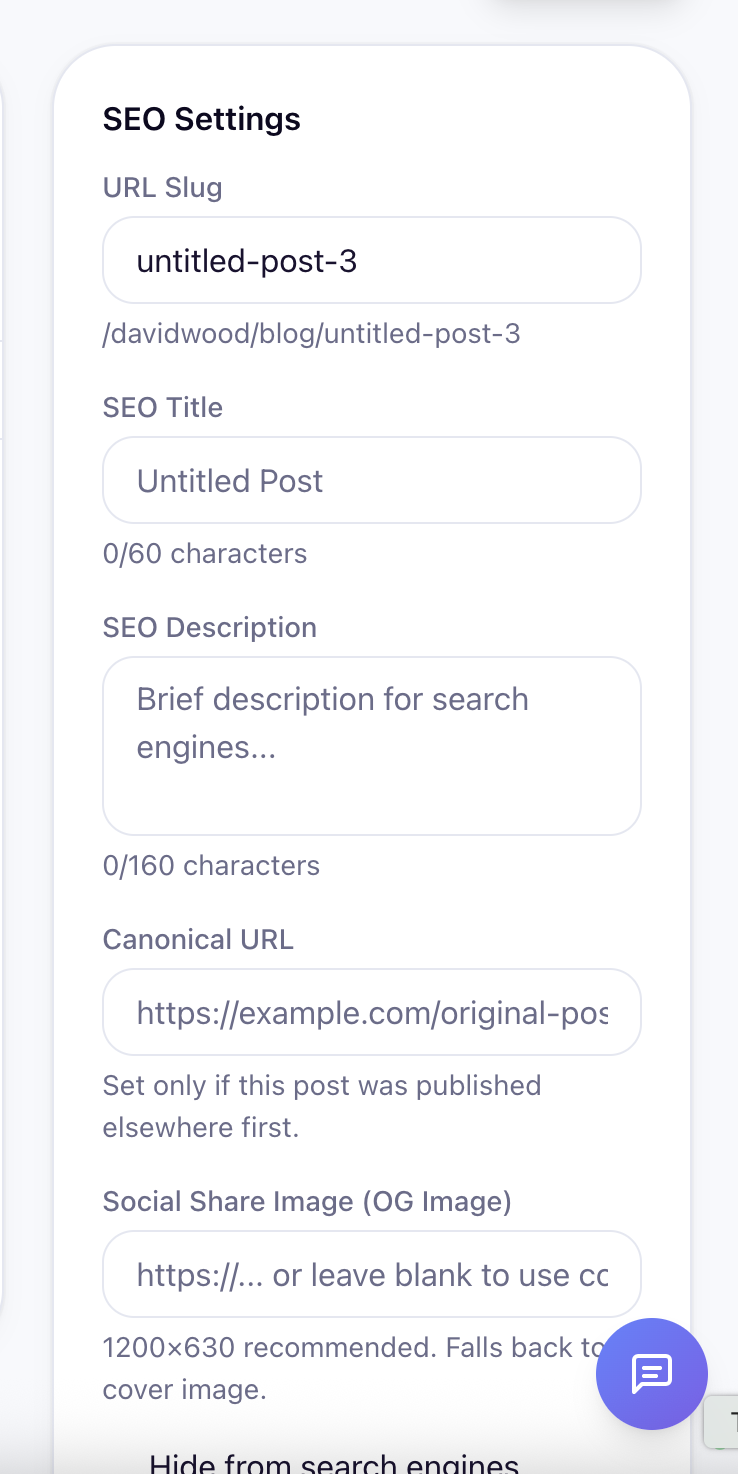
If you want your posts to show up on Google — and you should — expand the SEO section:
- SEO Title — What appears in search results (up to 70 characters)
- SEO Description — The snippet under your title in Google (up to 160 characters)
- OG Image — Override your social preview image if you want something different from your cover
- Canonical URL — Cross-posting from another platform? Set this so Google knows which version is the original
- No-Index — Toggle on for any post you don't want appearing in search results
Publishing Options
When your post is ready, you have three choices:
- Publish Now — Goes live immediately. Your followers get notified by email, a post appears in the community feed, and your blog page updates.
- Schedule — Pick a future date and time. Perfect for planning your content calendar or dropping a post when your audience is most active.
- Save as Draft — Keep working. Come back whenever you're ready.
What Your Post Looks Like Once It's Live
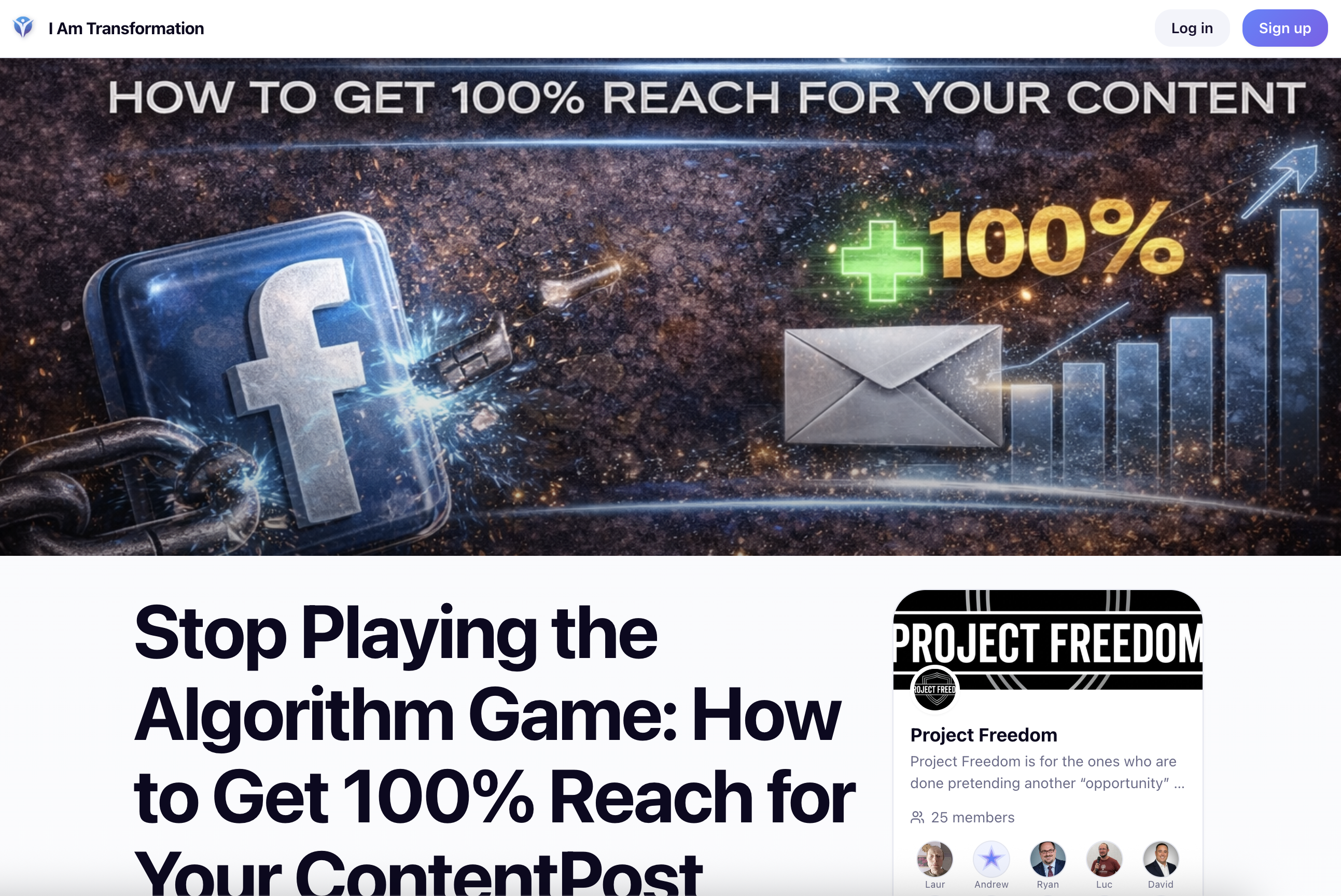
Readers get a clean, premium reading experience:
- Full-width cover image at the top
- Your name, avatar, and publish date — linked to your profile
- Estimated reading time
- View count
- Auto-generated table of contents from your headings — stays visible in the sidebar on desktop, collapsible at the top on mobile
- Floating share buttons for Twitter/X, LinkedIn, Facebook, email, and copy link
- Related posts at the bottom, ranked by topic relevance
- Your tribe card in the sidebar with a join button — every reader is a potential new member
How Your Post Reaches People in the Feed
When you publish, your post doesn't just sit on your blog page waiting to be discovered. It appears in the community feed automatically — as a rich article card with your cover image, title, excerpt, and a "Read Article" button.
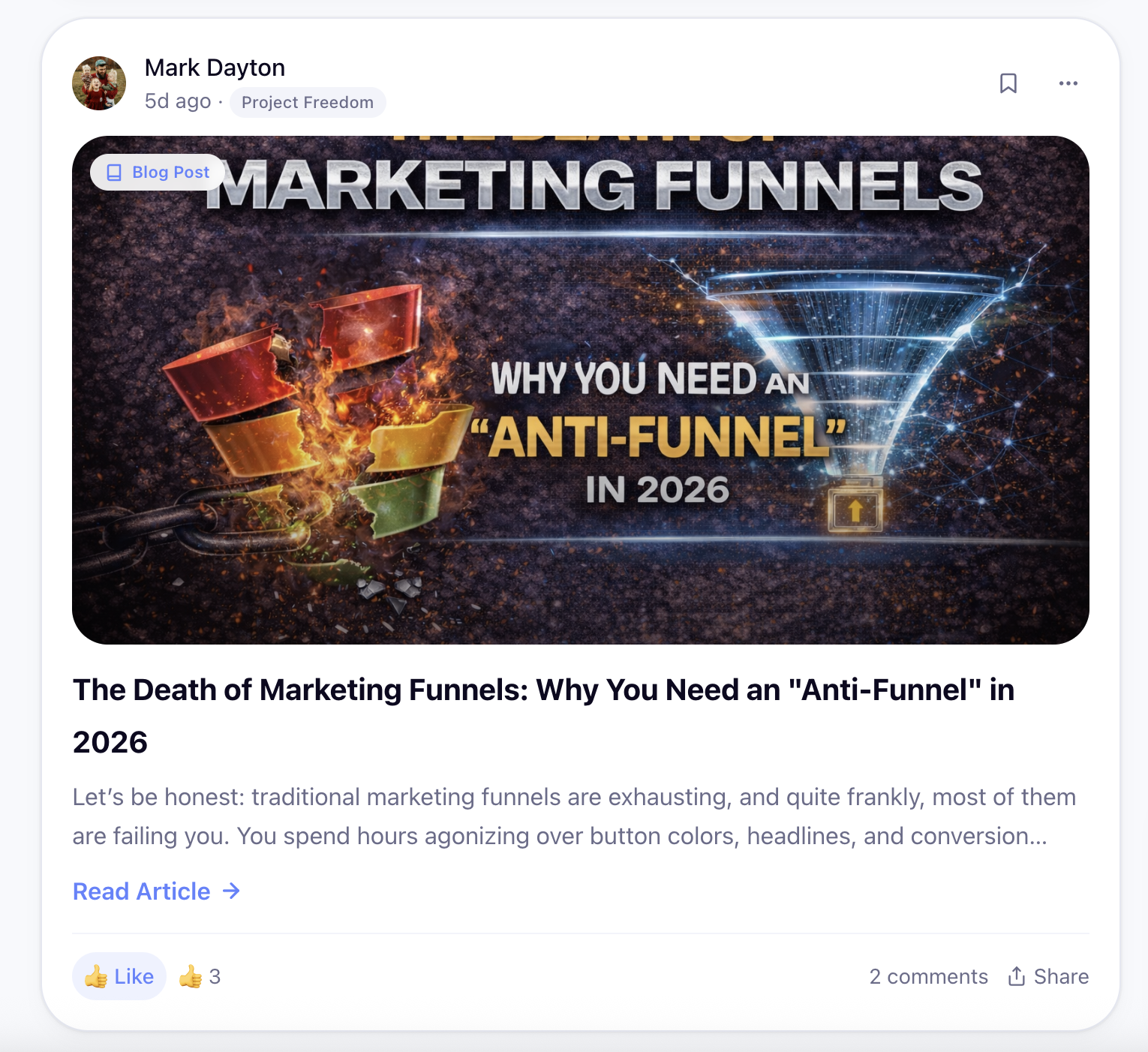
Your tribe sees it. Your followers see it. It shows on your profile. It's not a buried link — it's a visual card that stands out.
Comments and reactions sync between the feed and the blog post. One conversation, visible in both places.
Your Personal Blog Page
Every member with blog access gets their own page at iamtransformation.com/yourusername/blog.
Visitors see a clean grid of your published posts — cover image, title, date, reading time, view count. They can filter by tag. It scales as you publish more.
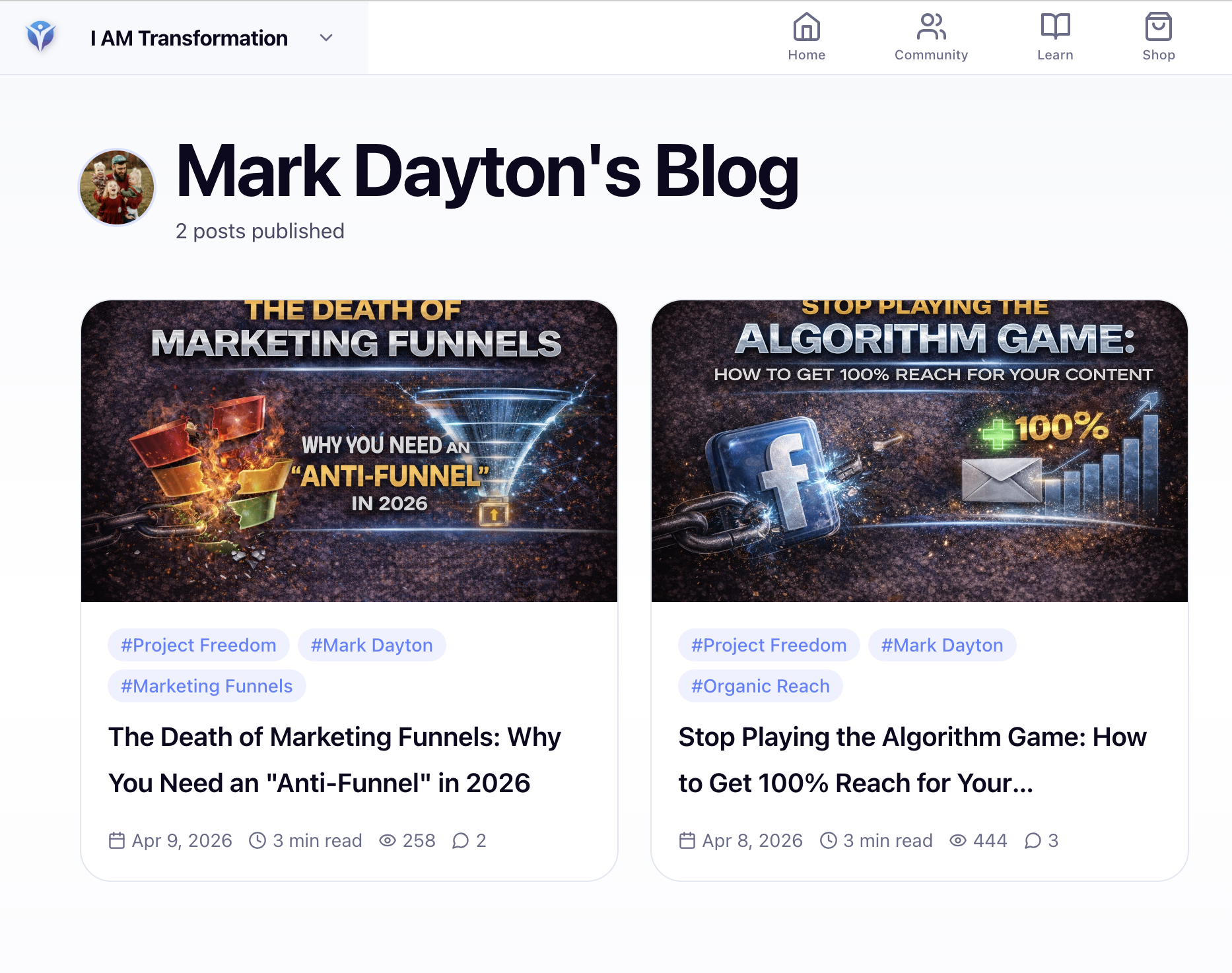
Share this URL anywhere. It's your content portfolio, your proof of expertise, your home base.
Your blog also has a built-in RSS feed at yourusername/blog/rss.xml — readers can subscribe in any RSS reader and get notified of every new post.
Who Has Access to the Blog?
The blog is available to all Pro members.
If you're on a free plan, you'll see a preview of the blog dashboard with an upgrade option.
Not seeing the blog in your Creator Studio? Check your membership tier.
Six Things That Make Your First Post Land Better
- Start with what you know. Your first post doesn't need to be a masterpiece. Share a lesson, tell a story, teach something you've figured out. Authentic beats perfect every time.
- Use a cover image. Posts with images get significantly more engagement in the feed. Even a simple branded graphic makes a difference.
- Add 3–5 tags. Think about what words your ideal reader would actually type to find your content.
- Write your SEO description. Two sentences summarizing your post. This is what appears on Google and in social media previews — don't skip it.
- Go deeper than 500 words. Short updates belong in feed posts. Your blog is where you teach, tell stories, and give people something substantial to hold onto.
- End with a question. Invite comments. Give your reader a next step. Don't let the conversation stop at your last paragraph.
Go Write Something
Your blog is ready. Your audience is here.
Go to Creator Studio → Content → Blog, hit New Post, and start writing. Save it as a draft if you need to. But publish something this week — even if it's short, even if it's not perfect.
Your story matters. Someone out there is waiting to read it.
Written by
I helped a lot of people discover that they were born for more. I started a company that turned into a wave of breakthoughs that swept the world. Now I'm here to help you become who you want to become, by stepping into the power that you never knew that you have.
Enjoyed this post? Share it
Get David’s next post in your inbox
No spam, just new posts when they go live. Unsubscribe anytime in one click.